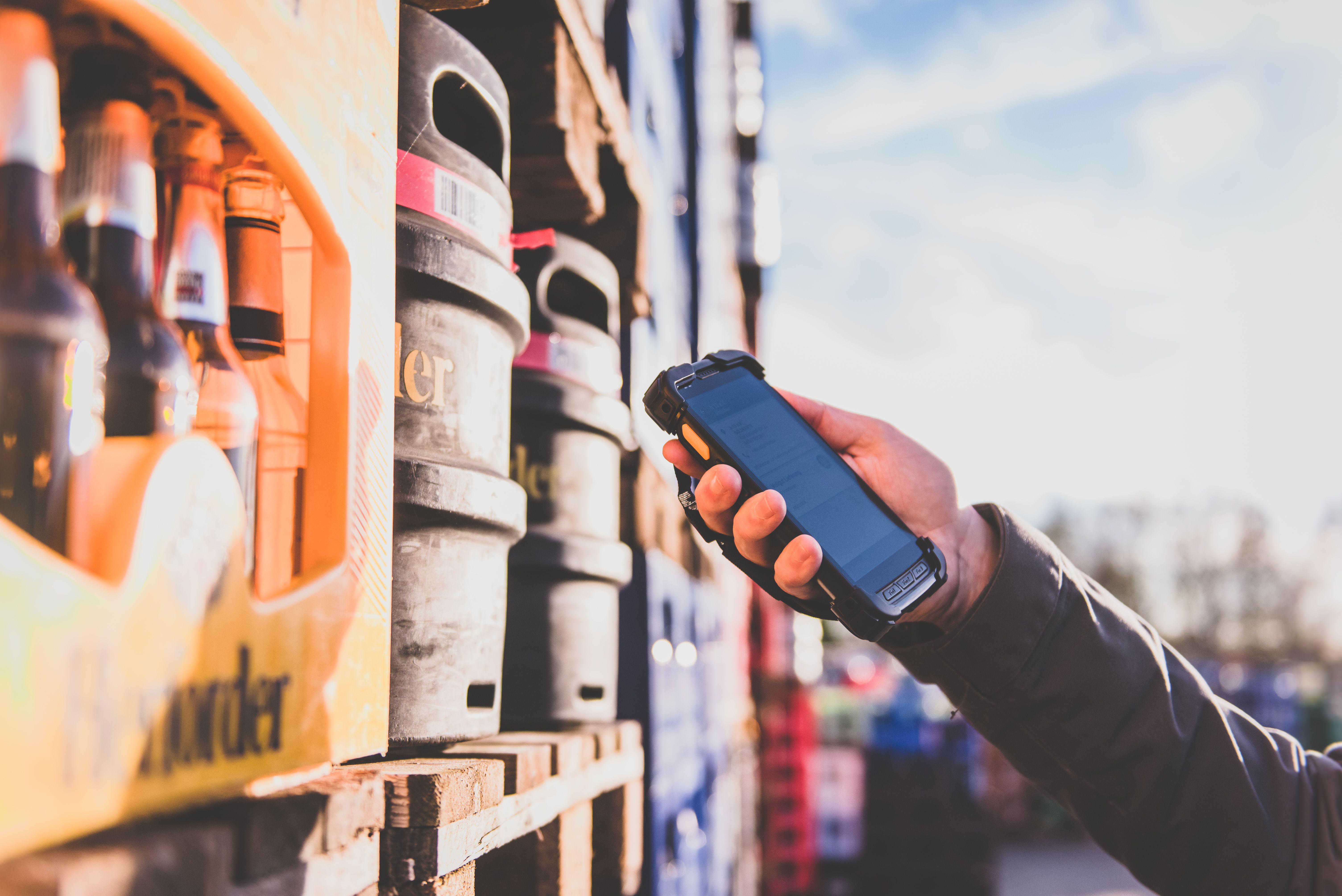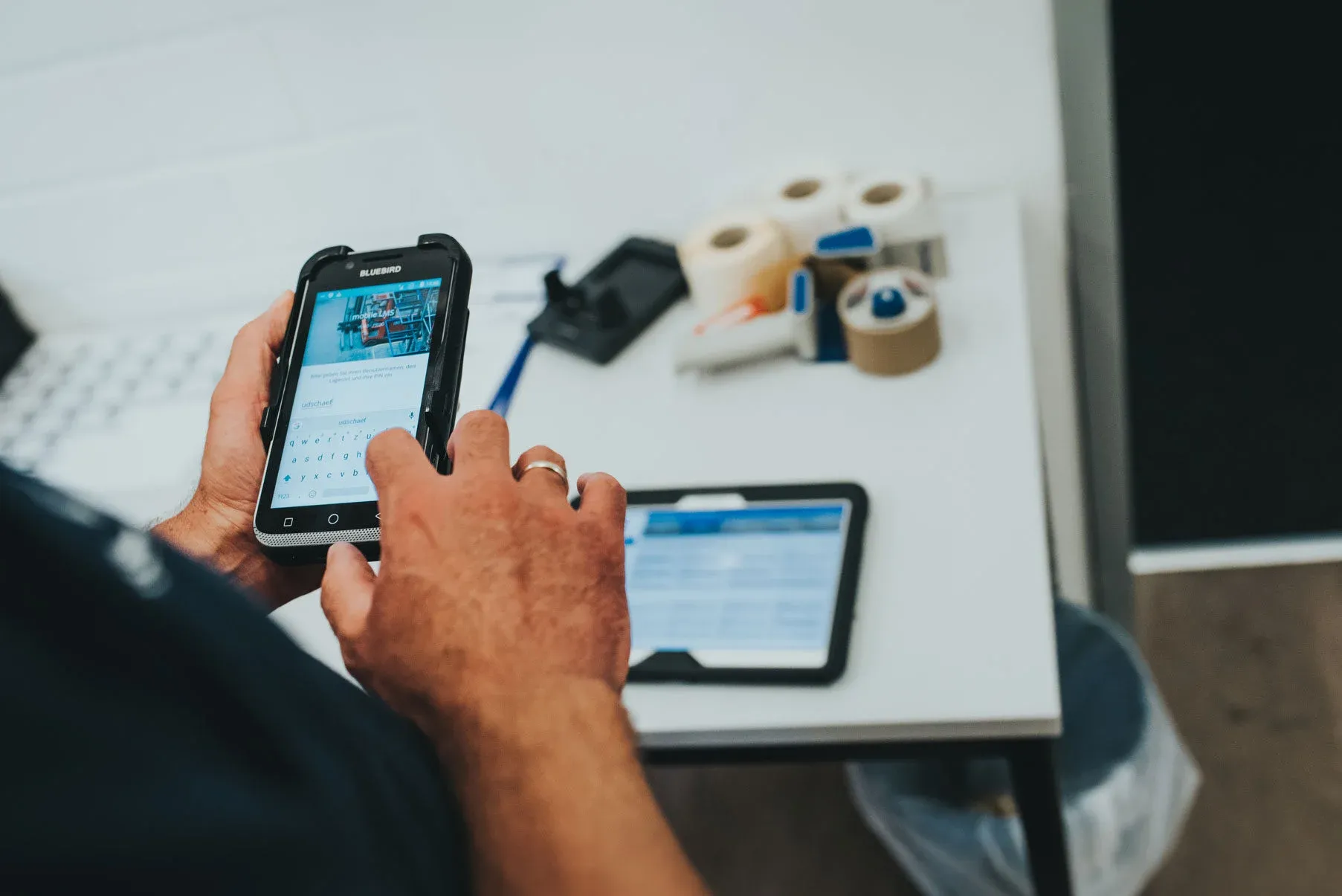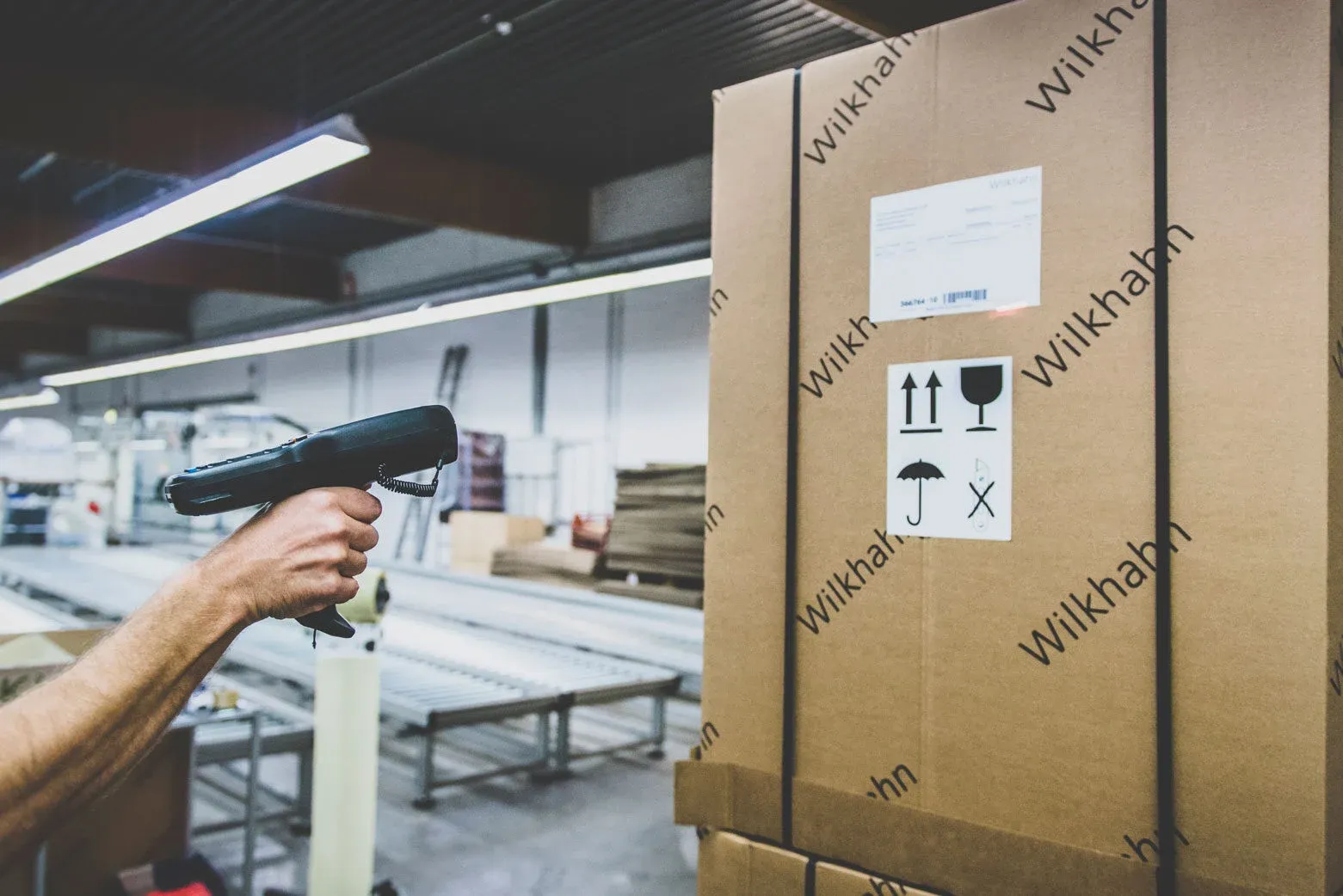

SAP-controlled shipping processes can be optimized with mobile data capture. The user is guided through the packing process by the mobile warehouse app—taking into account packing proposals and SAP packing instructions.
Mobile Packing Processes
Mobile packing processes can include the management of free handling units (HU) as well as handling units in the context of a specific outbound delivery or shipment.
Generally speaking: It is possible to adopt packing proposals created in SAP and complete packing instructions in the mobile software. Alternatively, the mapping of manual packing processes is also enabled. For documentation purposes, photos of handling units can additionally be taken and stored in a defined storage location. These can then be linked to SAP documents via ArchiveLink, for example.
Creating Free Handling Units Mobile and Booking in SAP – An Exemplary Process
- 1. Entry
A free HU can be created by selecting a plant and a storage bin—via barcode scan, OCR capture, manual entry, or from a suggestion list.
- 2. Packing or Creating Handling Unit
Packing into a new HU can be done manually by recording a suitable packaging material or based on a packing proposal (e.g., as a selection of possible packaging materials) or a packing instruction. Subsequently, the material to be packed and the quantity for all items are recorded.
- 3. Acknowledgment and Booking in SAP
After confirmation of the packing process, the handling unit is created in SAP.
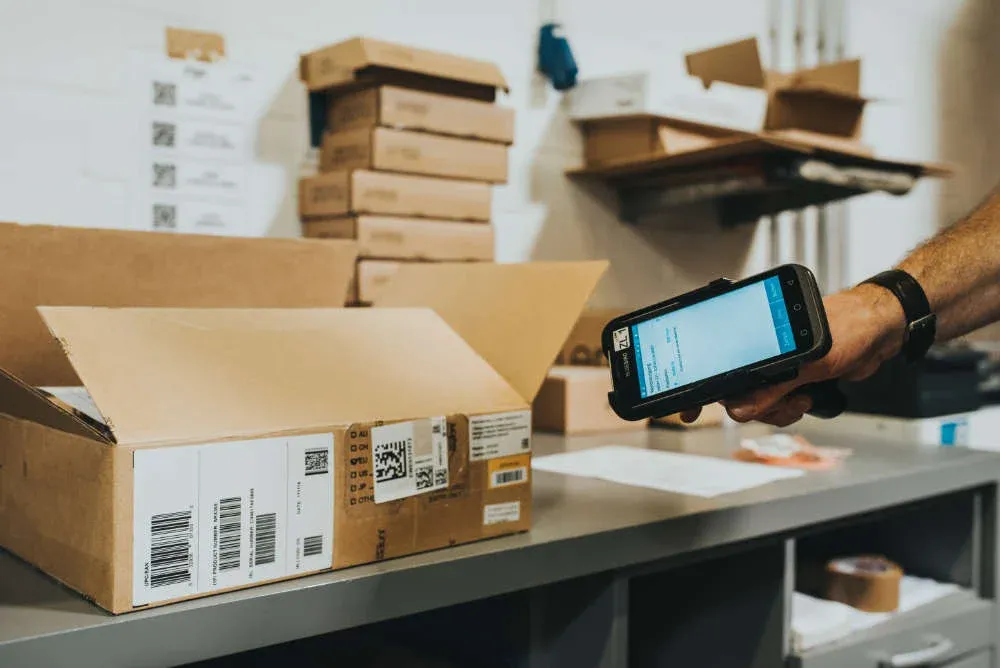
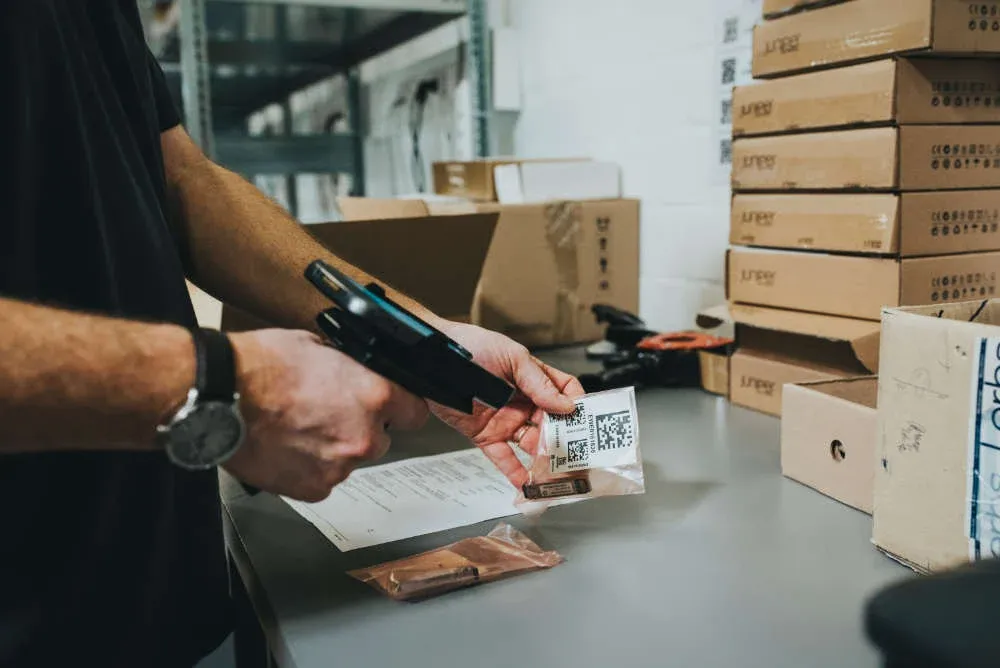
Fig. 1: Entry via scan, manual input, or suggestion list
Mobile Packing for Outbound Delivery with SAP – An Exemplary Process
For the packing based on SAP SD described below, it is assumed that the goods have already been picked. Alternatively, a combination of picking with subsequent packing (Pick & Pack) can also be mapped with an MDE solution.
- 1. Entry
To start, the outbound delivery number must be determined (via barcode scan, OCR capture, or manual entry). Alternatively, a handling unit (HU) already assigned to the delivery number can be scanned to identify the outbound delivery.
- 2. Adding Handling Units to the Outbound Delivery
The items to be packed are added to the delivery. For the addition of further material or handling units, the items not yet packed can be displayed in list form. By selecting a material and specifying the quantity to be packed, the packing process is carried out in SAP.
A top-level HU can contain one or more (sub-)handling units or a list of packed material items.
- 3. Acknowledgment and Booking in SAP
The completed packing is booked item by item in SAP. A final confirmation takes place when the outbound delivery is fully packed.
Let SAP Guide Mobile Packing
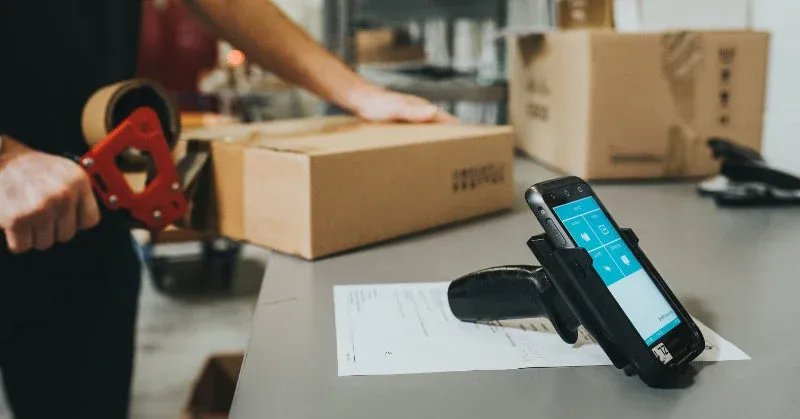
As an alternative to the free recording of handling units, SAP packing instructions can also specify the packing process. In this case, the delivery items are generated automatically. The packing instruction from SAP is assigned to the material, and the contents for the HU are created in advance. The warehouse employee now "only" has to carry out the packing according to the specifications, e.g., analogous to the aforementioned packing process, and document it on the mobile scanner device.
Conclusion
SAP-controlled shipping processes can be optimized with mobile data capture. On the one hand, packing proposals created in SAP and the adoption of complete packing instructions are possible in the MDE software. On the other hand, the mapping of manual packing processes is also enabled.

Know-how
Talk to an expert in mobile data capture for SAP logistics.